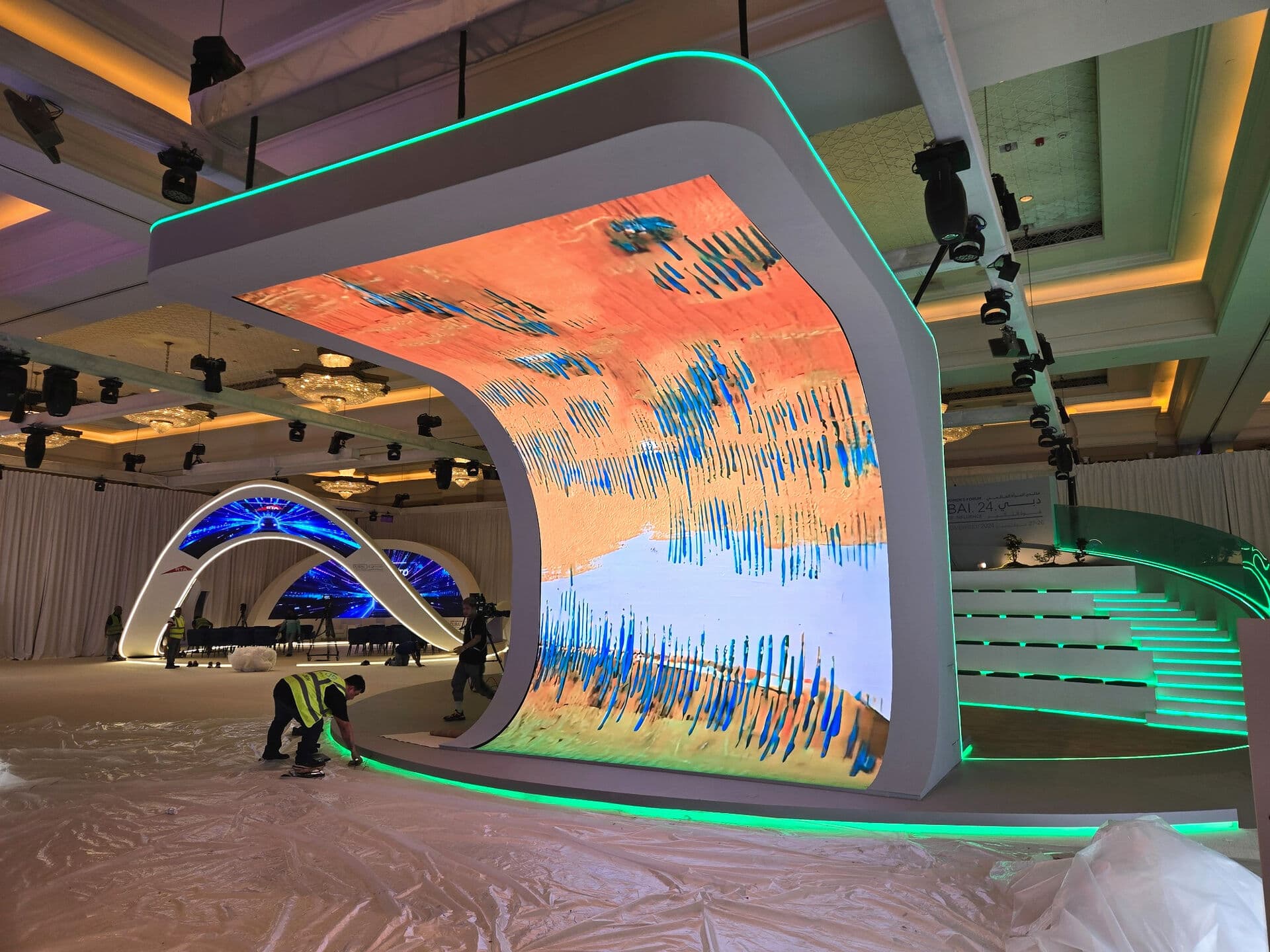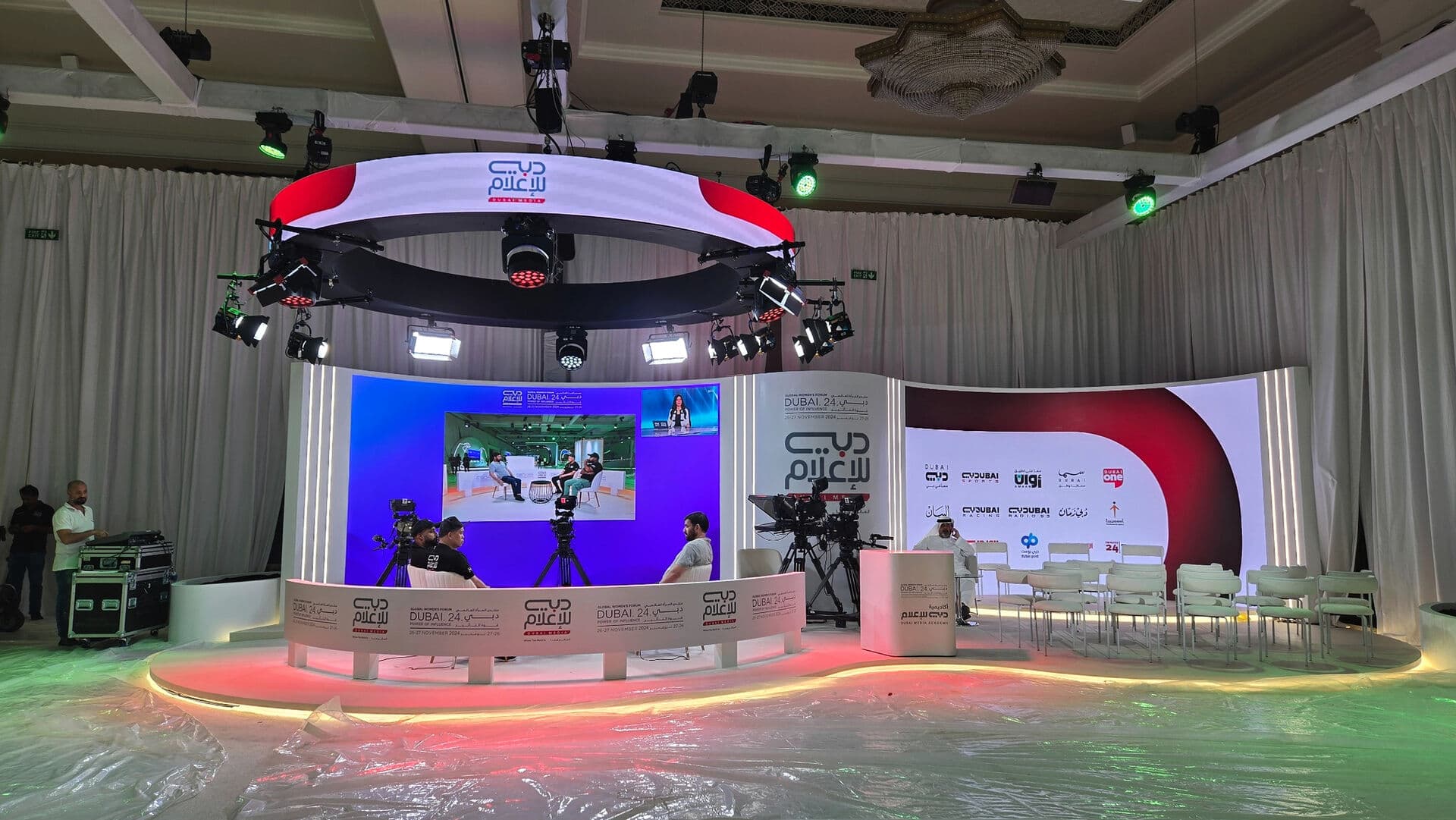

How to choose pixel pitch by viewing distance — explained with the Jereh stand, where a high header screen and a low fascia band are seen from very different distances.
What pixel pitch means
Pixel pitch is the distance in millimetres between the centres of two neighbouring pixels. P2.5 means 2.5 mm. Smaller pitch = more pixels per square metre = a sharper image up close — and a higher price.
The viewing-distance rule
A reliable rule of thumb: the minimum comfortable viewing distance in metres is roughly equal to the pitch number. A P3 screen looks smooth from about 3 m; a P10 billboard is designed for people 10 m or more away.
- < 2 m → P0.7 – P1.5
- 2 – 5 m → P1.8 – P2.9
- 5 – 10 m → P3 – P4.8
- > 10 m → P5 – P10
Seen in the photo: one stand, two distances
The Jereh stand in the cover photo has two curved LED surfaces. The large header screen, raised high above the stand with the Jereh name and 'Empowering ADNOC's Digital Transformation', is read from across the aisles, often 10 m or more away. The lower curved LED band around the meeting area is read by people standing right beside it.
This is exactly why stands often mix pitches: the high header can use a coarser pitch that is lighter and more economical, while screens at eye level need a finer pitch to look sharp from a metre or two.
Indoor vs outdoor
Indoor screens (P0.7 – P3.9) need 800 – 1,500 nits. Outdoor screens (P3 – P10) must fight direct sun, so they run at 5,000 nits or more with IP65-rated sealing against dust and water.
Choosing for your project
Match pitch to your nearest audience, not your average one, and remember the camera: if the event is filmed, go one step finer. Tell our team your screen size and viewing distance and we will recommend the pitch that balances image quality and budget.